

Stories and Reels
Portrait format for full-screen viewing.
How it works
The route already contains the story. You only decide how to show it.
Choose a saved, imported or synchronized activity.
Choose animation, map, camera, route line and quality.
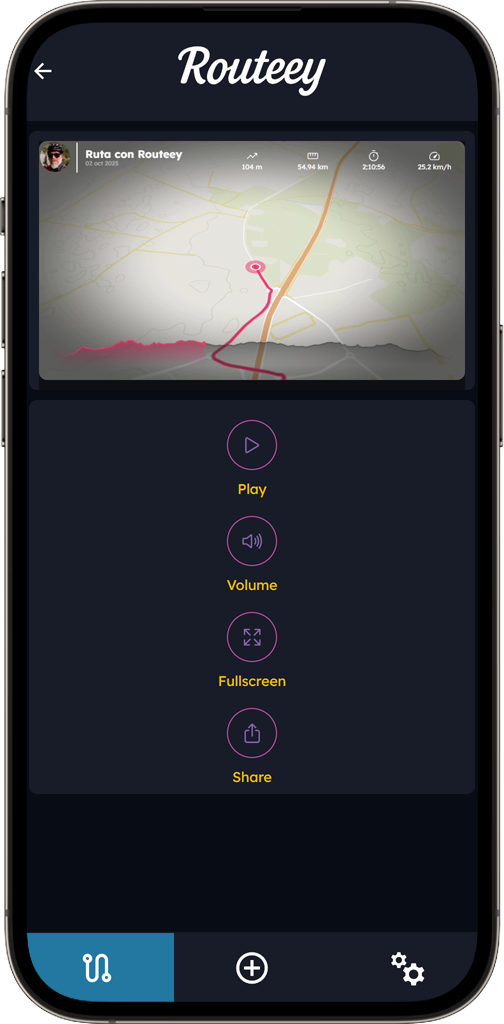
Routeey generates the file so you can play and share it.
Video settings
These are the choices available in the app before creating the video.
Loading route…
A video ready to share
Choose the format based on where you want to watch or share it.
Portrait format for full-screen viewing.
A wide view of the map and route.
Your video remains available whenever you want to use it.
The actual process
You configure the look, Routeey generates the file, and then you can play or share it.
Animation, map type, camera speed, route line and quality. You can also customize colors and add music, photos or highlights.
It adds the metrics contained in the activity to the video. It does not turn the video into an interactive analysis screen.
No. The video can only use the information available in the activity you selected.
You get a standard video that you can play full screen, save and share from your device.